
Master Profilo's Chrome Extension
Learn how to use Profilo's AI-powered Chrome extension for LinkedIn job analysis, resume generation, and interview preparation. Get personalized insights directly on LinkedIn job postings.
🚀 What is Profilo's Chrome Extension?
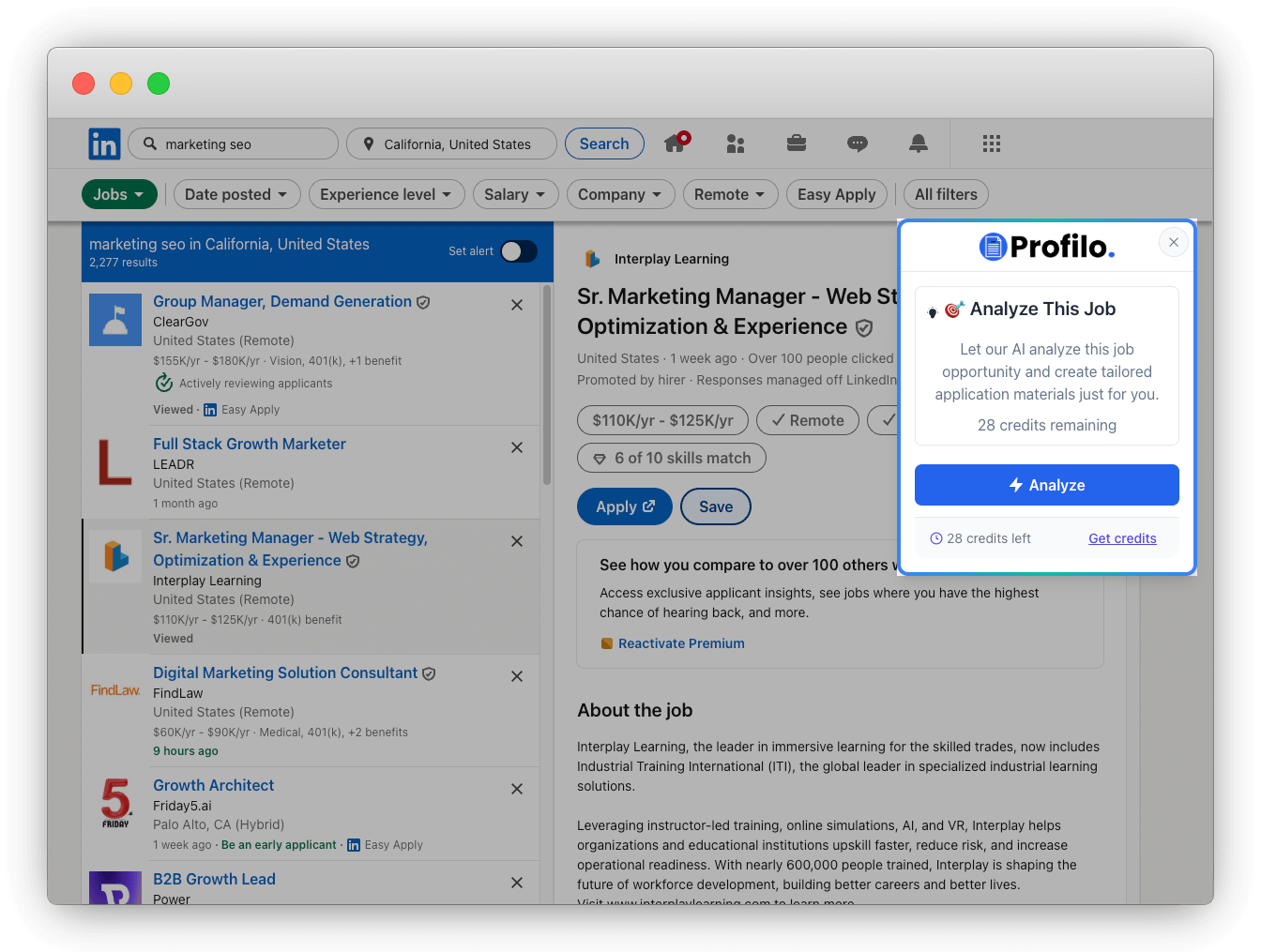
Profilo's Chrome Extension transforms how you apply for jobs on LinkedIn. It uses artificial intelligence to analyze job postings and provide personalized insights about your fit, all without leaving LinkedIn.
Analyze Job Postings
Get personalized match scores and insights for any LinkedIn job
LinkedIn Integration
Import your profile automatically and analyze jobs instantly
AI-Generated Content
Get interview prep, match analysis, and company intelligence
📋 Before You Start
Make sure you have these requirements before using the extension
Profilo Account
Sign up at app.profilo.pro and complete your profile setup
Chrome Browser
Google Chrome with Profilo's Chrome Extension installed
LinkedIn Account
Active LinkedIn profile with complete work experience
🔧 Quick Setup Guide
Get started with Profilo's Chrome Extension in 4 simple steps
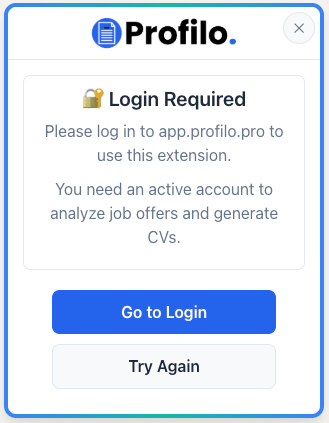
Install & Authenticate
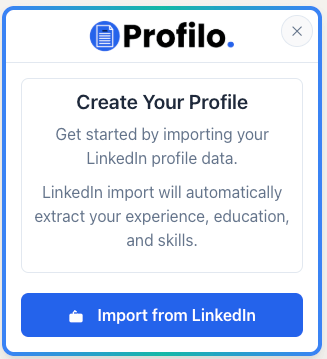
Import LinkedIn Profile
⚠️ Important: Make sure you provided your LinkedIn profile URL during your Profilo account setup!
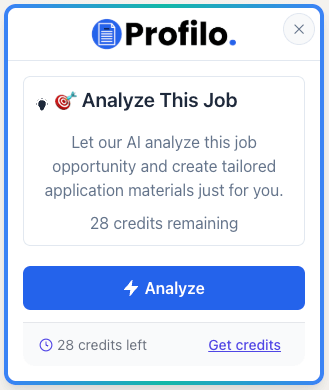
Analyze Jobs
Review Analysis Results
📊 Understanding Your Analysis Results
After analysis completes, you'll get a comprehensive report with actionable insights
Executive Summary
- • Match Score (0-100%)
- • Candidate Tier
- • Verdict Summary
Potential Gaps
- • Areas for improvement
- • Gap severity levels
- • Mitigation strategies
Company Intelligence
- • Culture alignment
- • Conversation starters
- • Networking tips
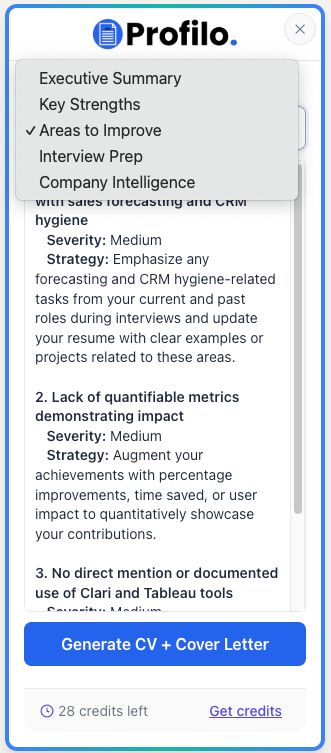
Key Strengths
- • Competitive advantages
- • Supporting evidence
- • Alignment examples
Interview Prep Kit
- • Strategic narrative
- • Key talking points
- • Interview questions
Smart Questions
- • Interviewer questions
- • Role-specific inquiries
- • Culture questions
Executive Summary
- • Overall Match Score (0-100%)
- • Candidate Tier Classification
- • Verdict Summary
Key Strengths
- • Your competitive advantages
- • Supporting evidence from profile
- • Specific alignment examples
Potential Gaps
- • Areas for improvement
- • Gap severity levels
- • Mitigation strategies
Interview Prep Kit
- • Strategic narrative guidance
- • Key talking points
- • Expected interview questions
Company Intelligence
- • Culture alignment insights
- • Conversation starters
- • Networking suggestions
Smart Questions
- • Questions to ask interviewer
- • Role-specific inquiries
- • Company culture questions
📈 Best Practices for Success
Maximize your results with these proven strategies
Strategic Job Searching
- Prioritize roles with 70%+ match scores
- Address gaps proactively in cover letters
- Use interview questions for thorough prep
- Leverage company intelligence for networking
Profile Optimization
- Keep LinkedIn profile updated regularly
- Complete all profile sections thoroughly
- Import data after significant changes
- Track recurring gaps for skill development
Ready to Transform Your Job Search?
Start using Profilo's Chrome Extension to analyze LinkedIn jobs and create winning application materials